Workflow analysis.
We identify repetitive steps, bottlenecks, and the data needed to automate them. Business value first, code second.
If your team keeps copying data, sending the same emails, or assembling reports by hand, we can design a simpler and more reliable workflow.
We automate specific process steps — from simple rules to multi-system workflows — with error handling and the option for human intervention.
We identify repetitive steps, bottlenecks, and the data needed to automate them. Business value first, code second.
Power Automate, SharePoint, Excel, API-connected systems, and databases. Information flows where it's needed.
Python scripts, data validation, automated reports, alerts, and recurring jobs that run without manual intervention.
Form submission → approval → record update → notification to the right person.
Collect data, validate it, generate a report, and deliver it to stakeholders.
Synchronise selected records or events using supported, authorised interfaces.
Notifications for delays, missing information, or important changes in KPIs.
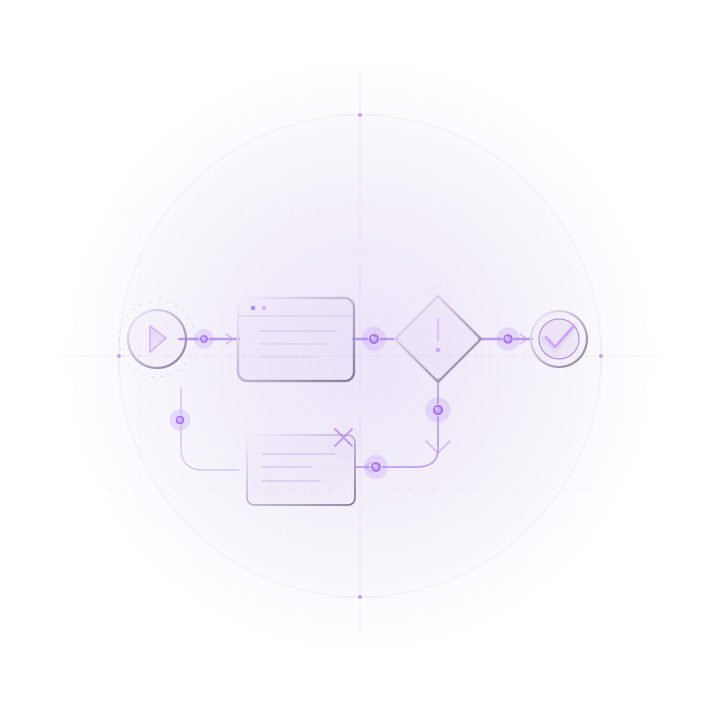
We select a repetitive task and document its edge cases.
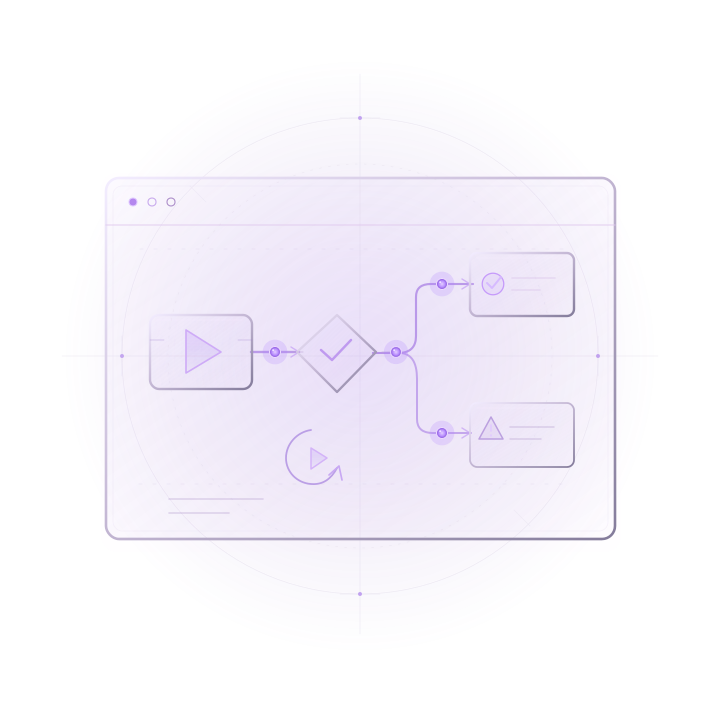
We demonstrate the workflow and how errors will be handled.
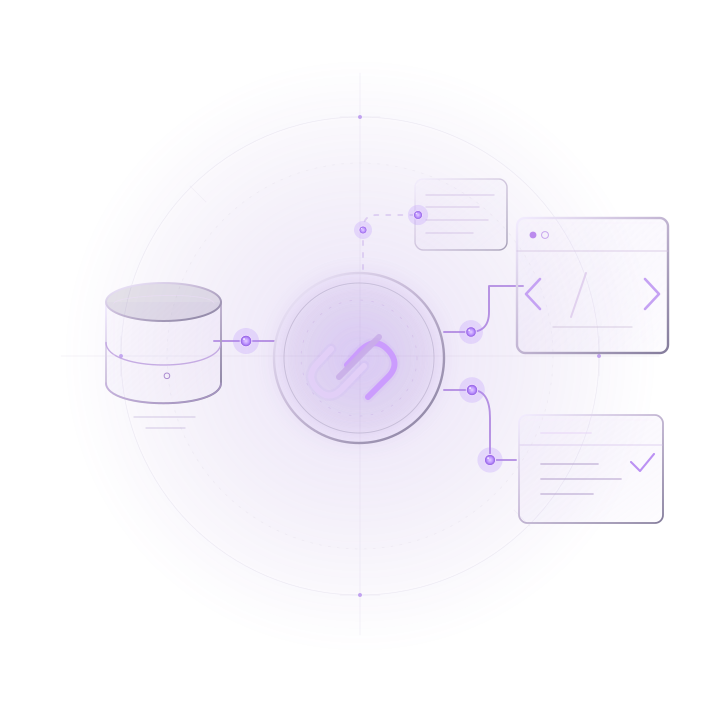
We connect systems and test permissions and validation.
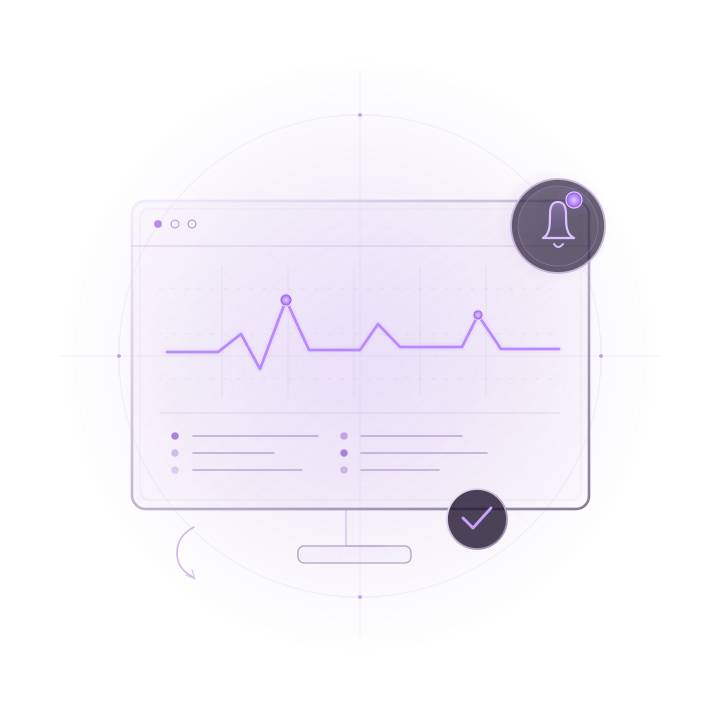
We define logs, alerts, ownership, and an improvement process.
Not necessarily. Many workflows can be improved using your current tools if they support the required integrations.
Yes. People can remain responsible for approvals while the system automates subsequent steps.
We design error handling, event logging, and ways to retry or take over a task manually.
Tell us about the problem you want to solve. We'll discuss the available data, existing tools, goals and potential scope.
Discuss Your ProcessBefore getting in touch, please read our privacy policy.